Capture
Region, full screen, a specific window, or a scrolling page — with an optional timed delay.
macOS screenshot studio
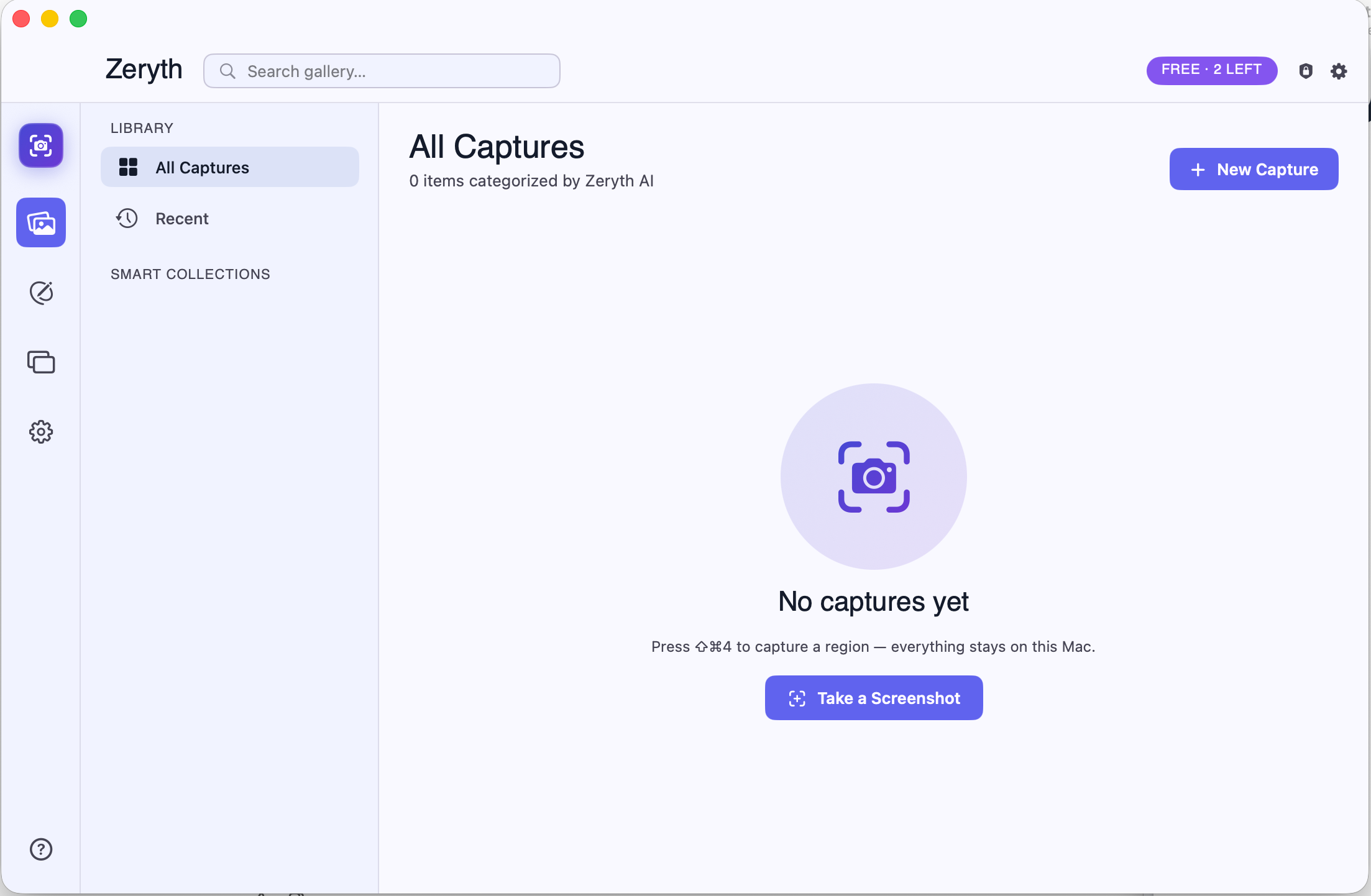
Zeryth turns a screenshot into a finished, safe-to-share image: a rich annotation editor, on-device AI that detects and blurs sensitive data, smart crop, beautify backgrounds, screenshot diff, and a library that organizes itself.
100% on-device. No account, no cloud, no telemetry — your screenshots never leave the machine.
 Zeryth for macOS
The problem
Every screenshot you send can carry an email, an API key, a bank balance, a face, or a customer's name. Stock screenshot tools make you spot and blur those by hand — and most upload your images to the cloud to do anything "smart." Zeryth keeps the intelligence on your Mac.
Screenshot 2026-… files with no structure or context.Workflow
Region, full screen, a specific window, or a scrolling page — with an optional timed delay.
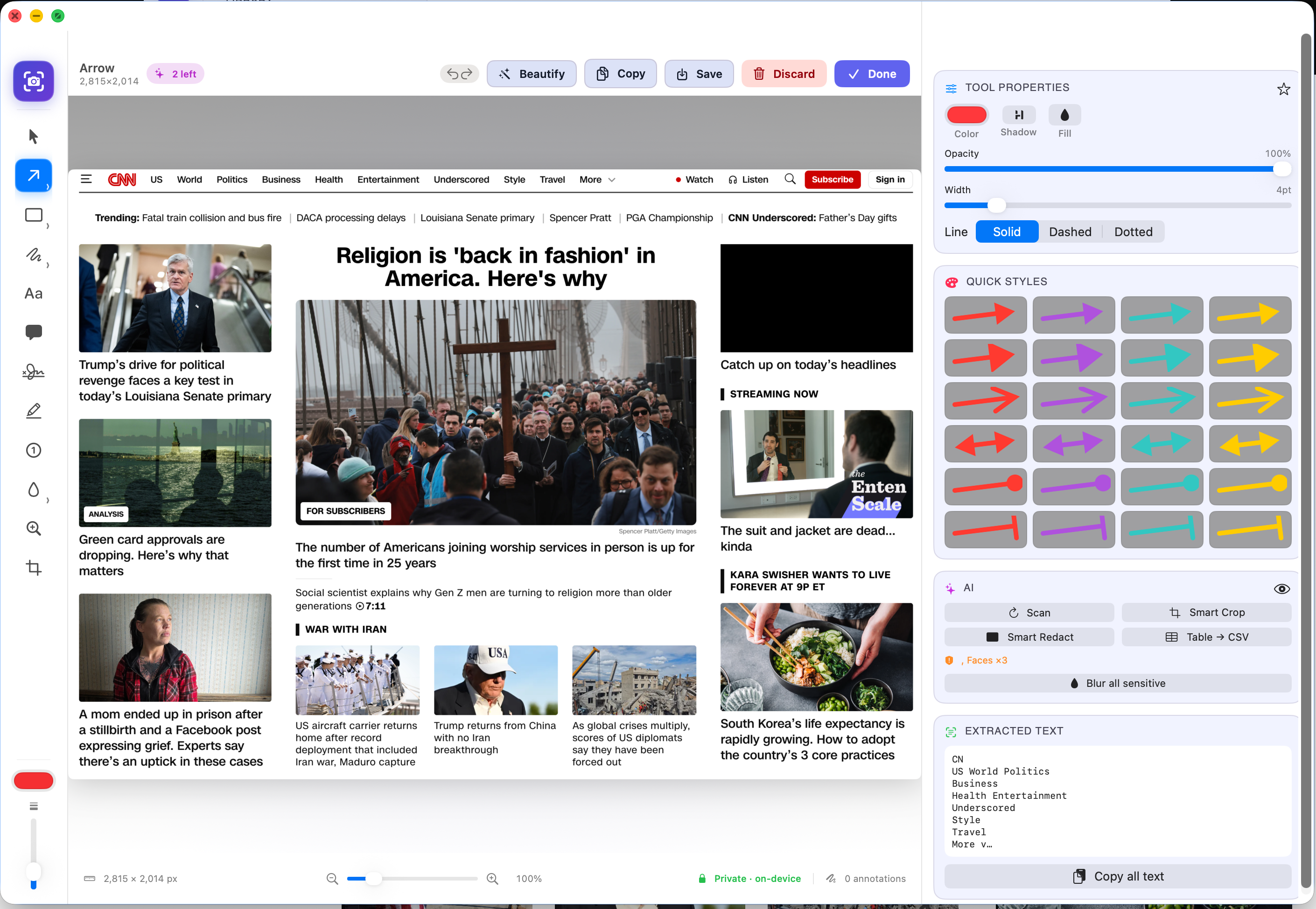
Arrows, shapes, text, callouts, blur, a real magnifier loupe, signatures — with zoom and undo.
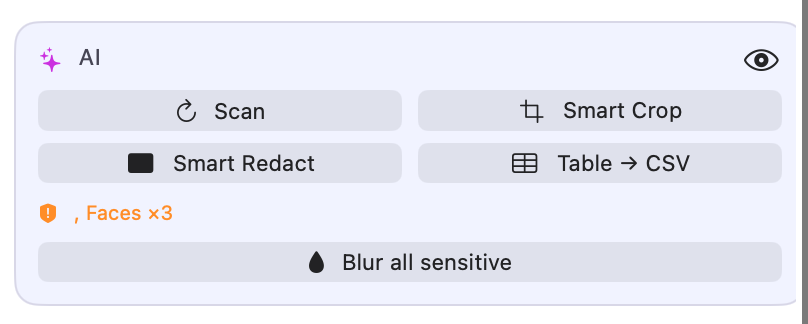
On-device AI flags sensitive data and faces; one click blurs or black-boxes all of it.
It's auto-named from its content and filed into a smart collection in your library.
Features
Region, full screen, window-pick with highlight, and scrolling capture that auto-stitches long pages.
Arrows (multiple heads), shapes, text with fonts, callouts with shaped bubbles, freehand, numbered steps.
Detects emails, SSNs, cards, IBANs, API keys, addresses, payroll & banking data and faces — then redacts.
Vision saliency suggests the strongest crop; preview it before you commit, fully undoable.
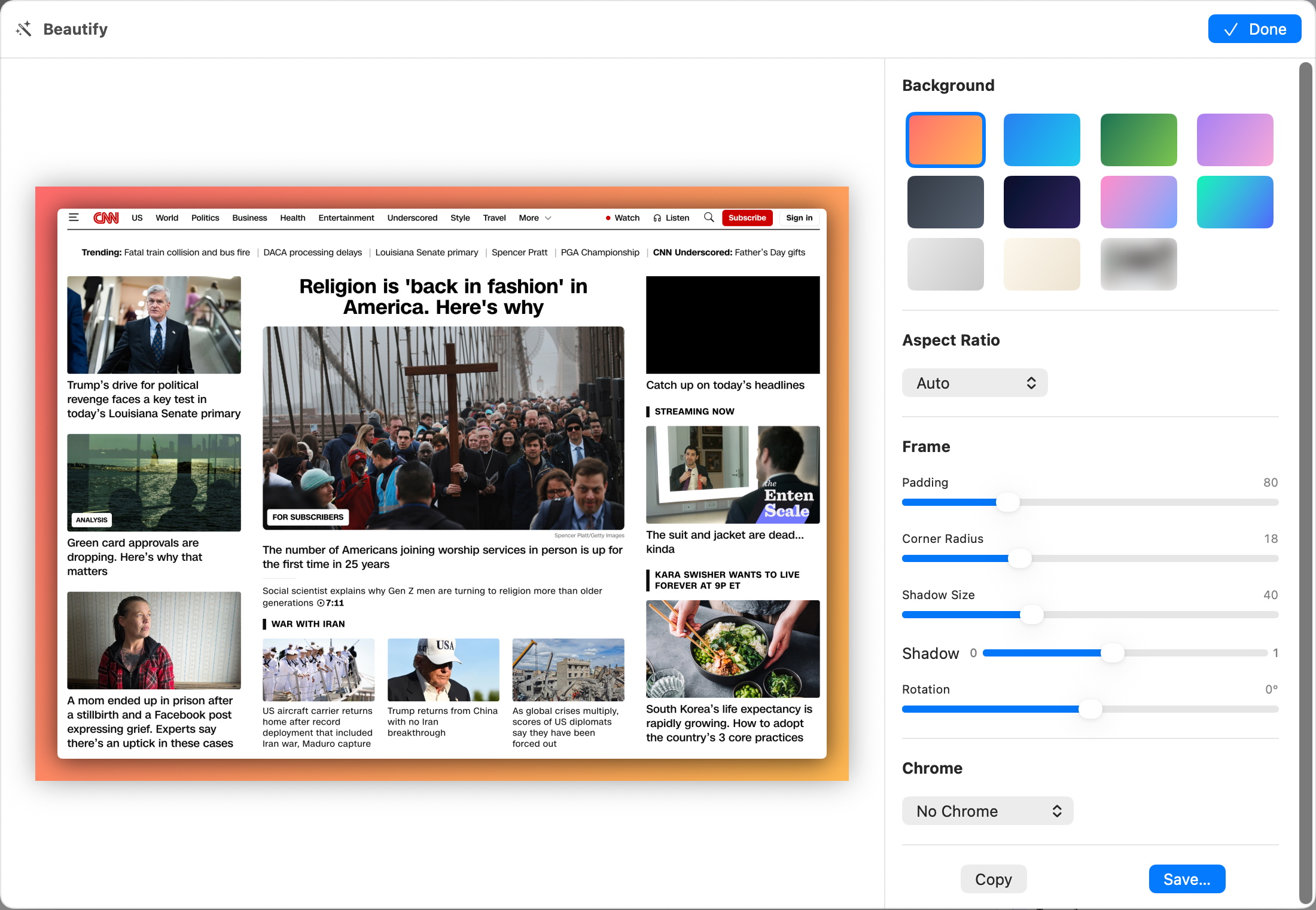
Drop the shot onto gradient or device backgrounds with padding, shadow, and window chrome.
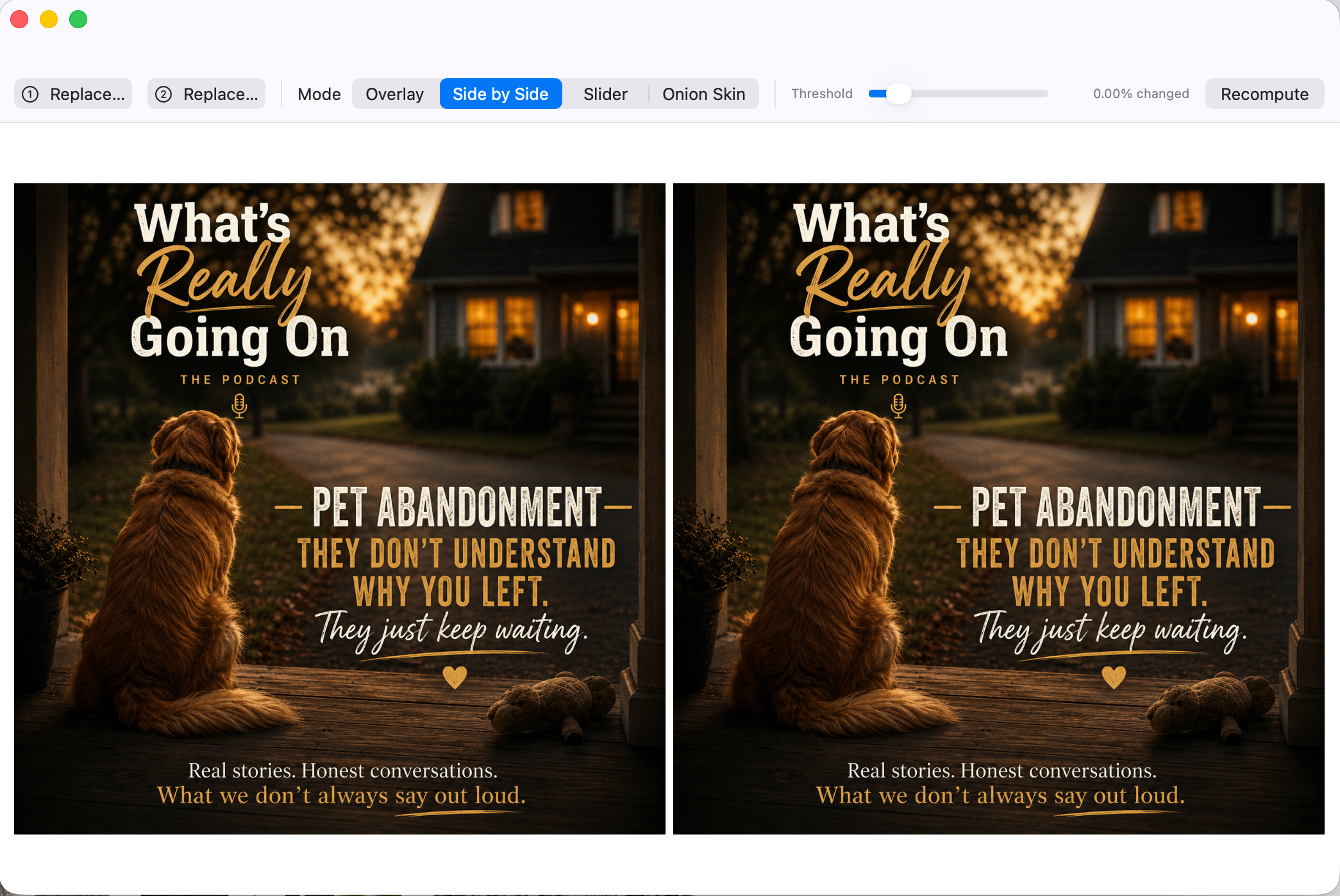
Compare two captures with overlay, slider, side-by-side, and onion-skin — great for QA and design review.
Captures are classified (Receipt, Code, Invoice, Travel…) into smart collections with logical names.
Reconstructs a table from a screenshot's text and exports clean CSV — entirely offline.
No account, no cloud, no telemetry. Apple Vision runs on your Mac; images never leave it.
Real product surfaces
The annotation editor, the on-device AI panel, beautify backgrounds, and the screenshot comparison view — captured directly from the macOS app.
Different by design
Most screenshot apps either stop at "capture and arrow" or send your image to a server to do anything intelligent. Zeryth puts a full editor and real AI on your Mac — the screenshot is finished and safe before it ever leaves your hands.
Simple pricing
Zeryth is free to use with daily limits on exports and AI actions. Zeryth Pro removes every limit with a one-time App Store purchase — no subscription.
Unlimited annotated exports, unlimited privacy scan & smart redact, unlimited smart crop, screenshot diff & beautify, and the full auto-organized library — one-time purchase.
Contact support