On-device · Apple Intelligence · Private by design
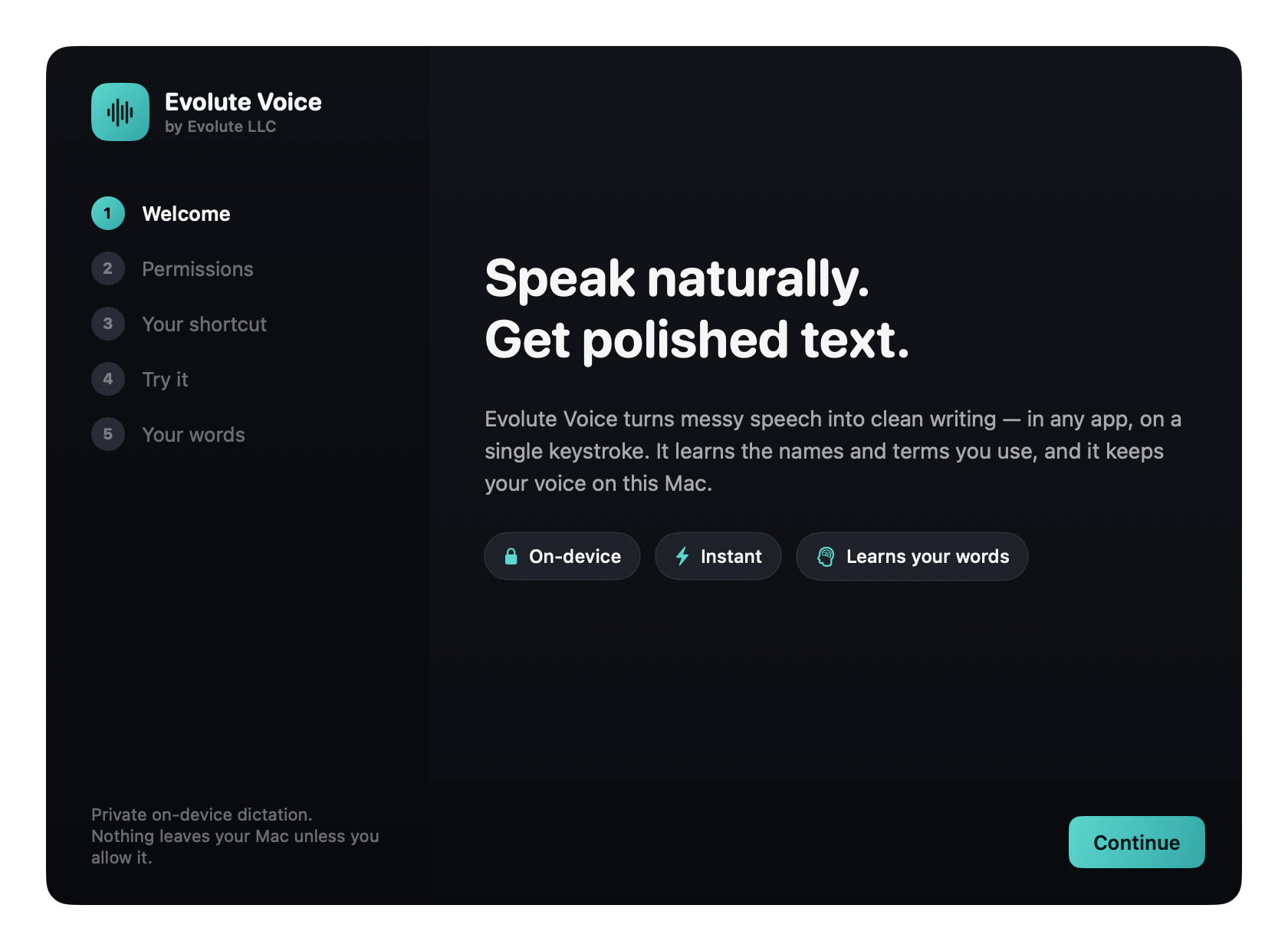
Speak naturally.
Get polished text.
Evolute Voice turns messy speech into clean, structured writing — in any
app, on a single keystroke. Powered by on-device Apple Intelligence,
it learns the names you use and keeps your voice on your Mac.
From rambling to refined in the time it takes to release a key.
On-device Apple Intelligence understands intent, not just words — it
removes fillers, fixes grammar, turns spoken tasks into action items, and structures your notes,
all without ever inventing facts.
You said
Evolute wrote
Clean Dictation
Smart formatting is AI-generated by on-device Apple Intelligence. It's instructed to preserve your meaning and not invent facts, but AI can make mistakes — review the result before sending.
Why it's different
Not a Whisper wrapper. A private voice layer for your Mac.
On-device intelligence, a shortcut that fits your hands, and a dictionary that learns your world — wrapped in a calm, native interface.
Powered by Apple Intelligence On-device
Speak a brain-dump; get structure back. Smart Format detects your tasks and turns them into clean action items — and Professional, Meeting Notes, Prompt and more rewrite on demand. All on your Mac. Nothing uploaded.
Upcoming Action Items
•Tomorrow: Finish the website updates.
•Friday: Review the latest build.
•Next Monday: Test vocabulary learning.
Personal Language Memory
Teach it the names, brands and acronyms you use. It biases recognition toward them and spells them your way — across every app.
TaavyaLexPacketEvolutemmWaveLD2450
Eight output styles
Raw, Clean, Smart Format, Professional, Casual, Prompt, Meeting Notes, Custom — switch in a tap.
RawCleanSmartProPromptNotes
A shortcut that fits you
Any key combo, a single Left or Right Option, or a double-tap. Hold to talk, or tap to toggle.
⌥SpaceorRight ⌥or⌥ ⌥
Local-first & private
No account, no telemetry, no training on your content. Turn on offline-only to require on-device.
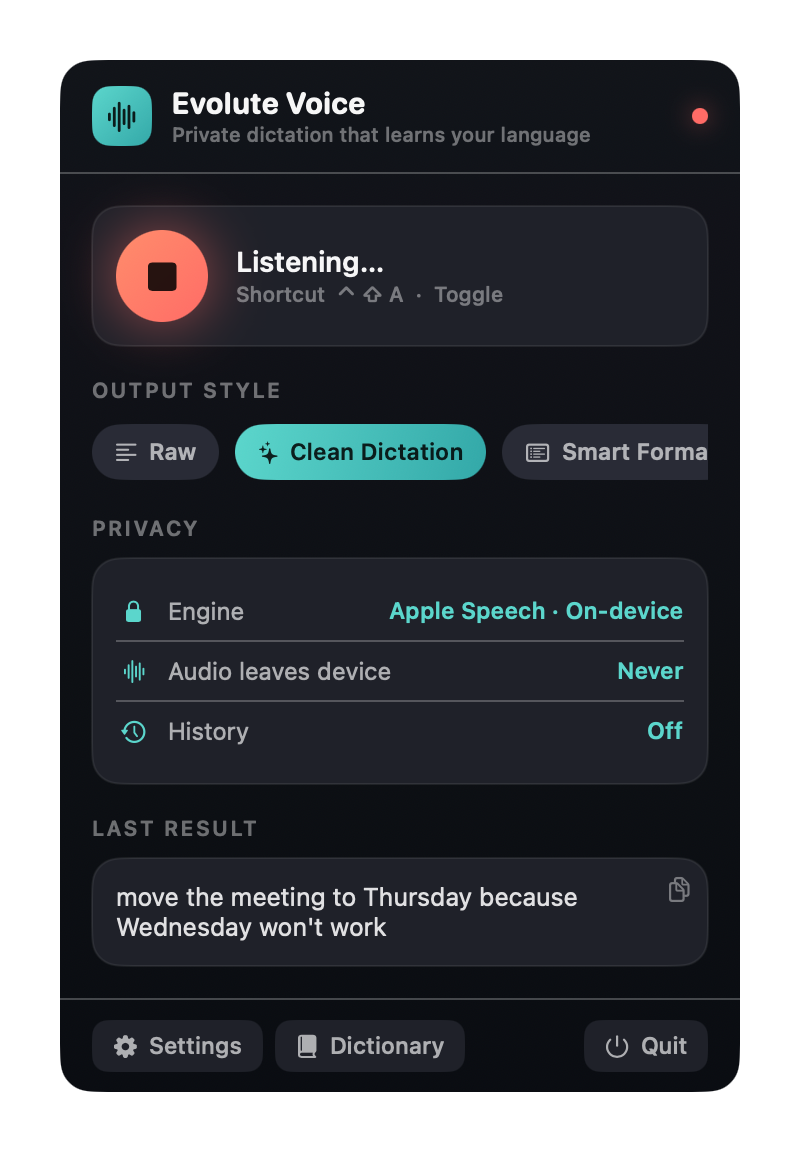
Audio leaves deviceNever
Text leaves deviceNever
External APIsDisabled
Lands in any app — safely
Polished text appears right at your cursor, anywhere you type. Switch windows mid-thought and it won't paste into the wrong one — it copies instead, and even restores what was on your clipboard.
Inserts at your cursorAny app
Wrong-app pastePrevented
Your clipboardRestored
Liquid Glass HUD
A native glass recording indicator. Pick how much it shows.
Detailed
Medium
Small
Everything included
One lightweight app. A surprising amount inside.
No add-ons, no subscriptions to unlock the basics — it's all here, on-device.
Dictation
Global shortcut into any app
Push-to-talk or toggle
Combo, single Option, or double-tap
Apple Speech, on-device preferred
Live waveform HUD, 3 sizes
Start & stop sound cues
Personal memory
Your own dictionary of terms
Recognition biased toward your terms
Import from Contacts
Import / export a word list
Apple Intelligence styles
Smart Format → action items & lists
Professional & Casual rewrites
Prompt formatting for AI tools
Meeting Notes: summary & actions
Custom instruction
Raw & Clean work without AI
The app
Native menu-bar app
Liquid Glass interface
Launch at login
Lightweight, near-zero idle CPU
Privacy & data
On-device recognition
Offline-only mode (blocks fallback)
No account, no telemetry
Local, owner-only storage
Optional history, off by default
Delete all local data, one click
Insertion
Inserts at your cursor
Never pastes into the wrong app
Restores your clipboard safely
Real screenshots · not a mockup
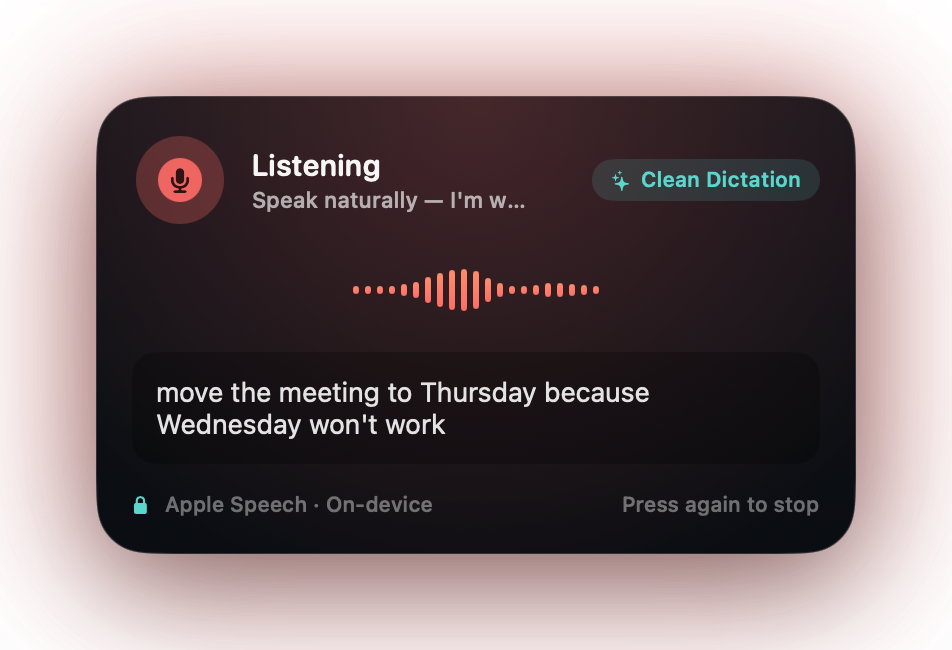
This is the actual app, running on a Mac.
Every pixel you see here is the shipping build — captured live. Calm, native, and quietly premium.
The live HUD while you speak
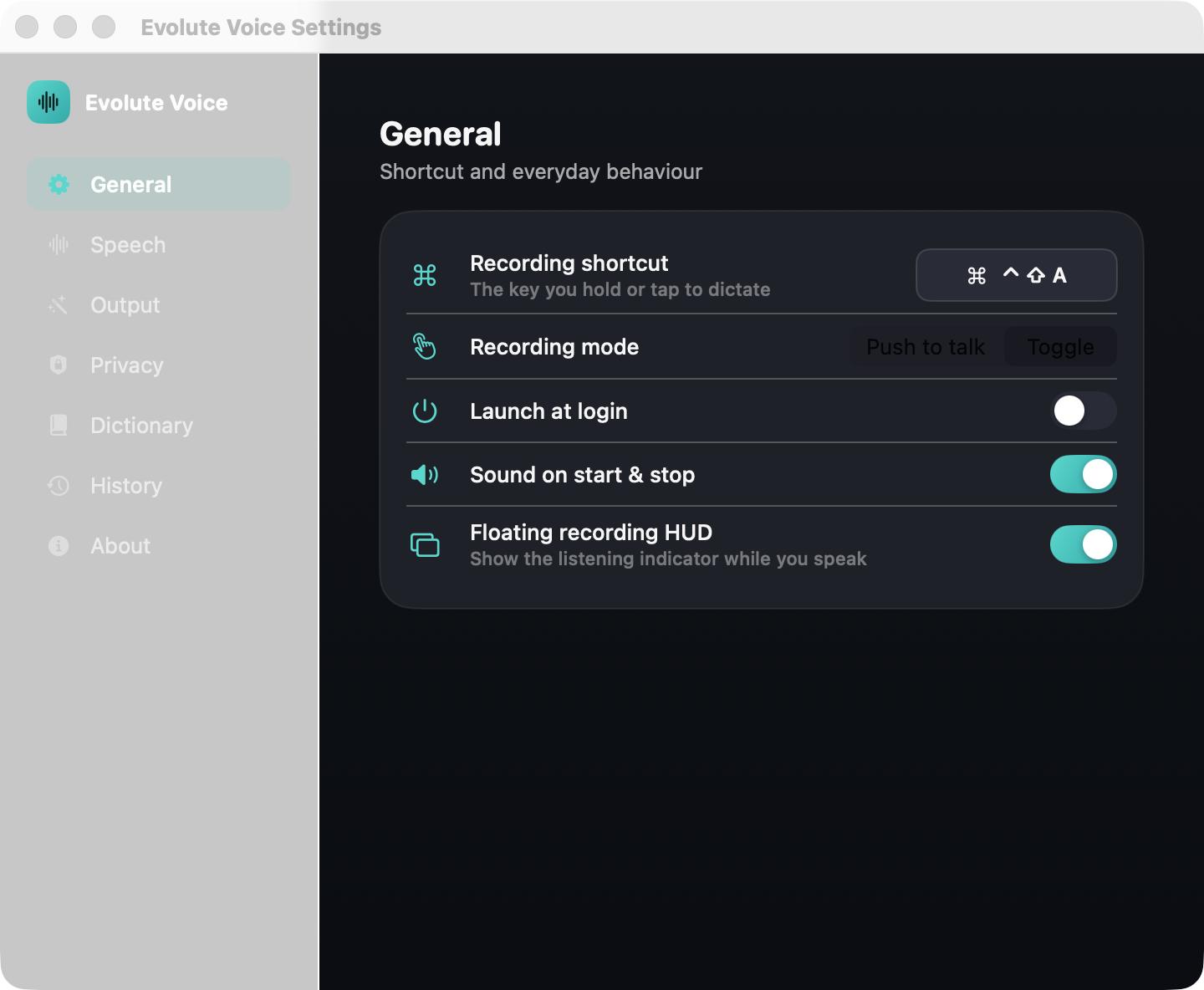
Settings that respect you.
Every privacy-relevant default is conservative. Choose your shortcut, your language,
your output style — and see, honestly, what (if anything) leaves your Mac.
Shortcut & modesOn-device togglePrivacy dashboard
Privacy isn't a setting. It's the architecture.
Your voice never leaves this Mac.
Recognition and Apple Intelligence formatting both run on-device. Your dictionary and
history stay in local, owner-only files protected by your Mac account. A live dashboard
tells you — honestly — where every byte goes. Most of the time, the answer is: nowhere.
No account required
No telemetry, ever
Offline-only mode
Delete everything in one click
Privacy dashboard
Speech engineOn-device
Audio leaves deviceNever
Text leaves deviceNever
HistoryOff
External APIsDisabled
Stored locally · owner-only
Personal Language Memory
It learns to spell the way you do.
Change "Tavia" to "Taavya" once. It asks — gently — if it should remember.
Say yes, and it's right every time, across every app and every engine.
Remember this spelling?
"tavia" "Taavya"
RememberNot now
Three seconds to fluent
Press. Speak. Done.
1
⌥Space
Press your shortcut
⌥Space, a single Option, or a double-tap. Hold to talk or tap to toggle — system-wide.
2
Speak naturally
Ramble, pause, change your mind. A live HUD shows it listening.
3
Polished text appears
Cleaned, formatted, and inserted right where your cursor is.
A private voice operating layer for your Mac.
Coming soon
Evolute Voice is in the launch pipeline.
The working product is still being prepared for release and is not currently available for download.