
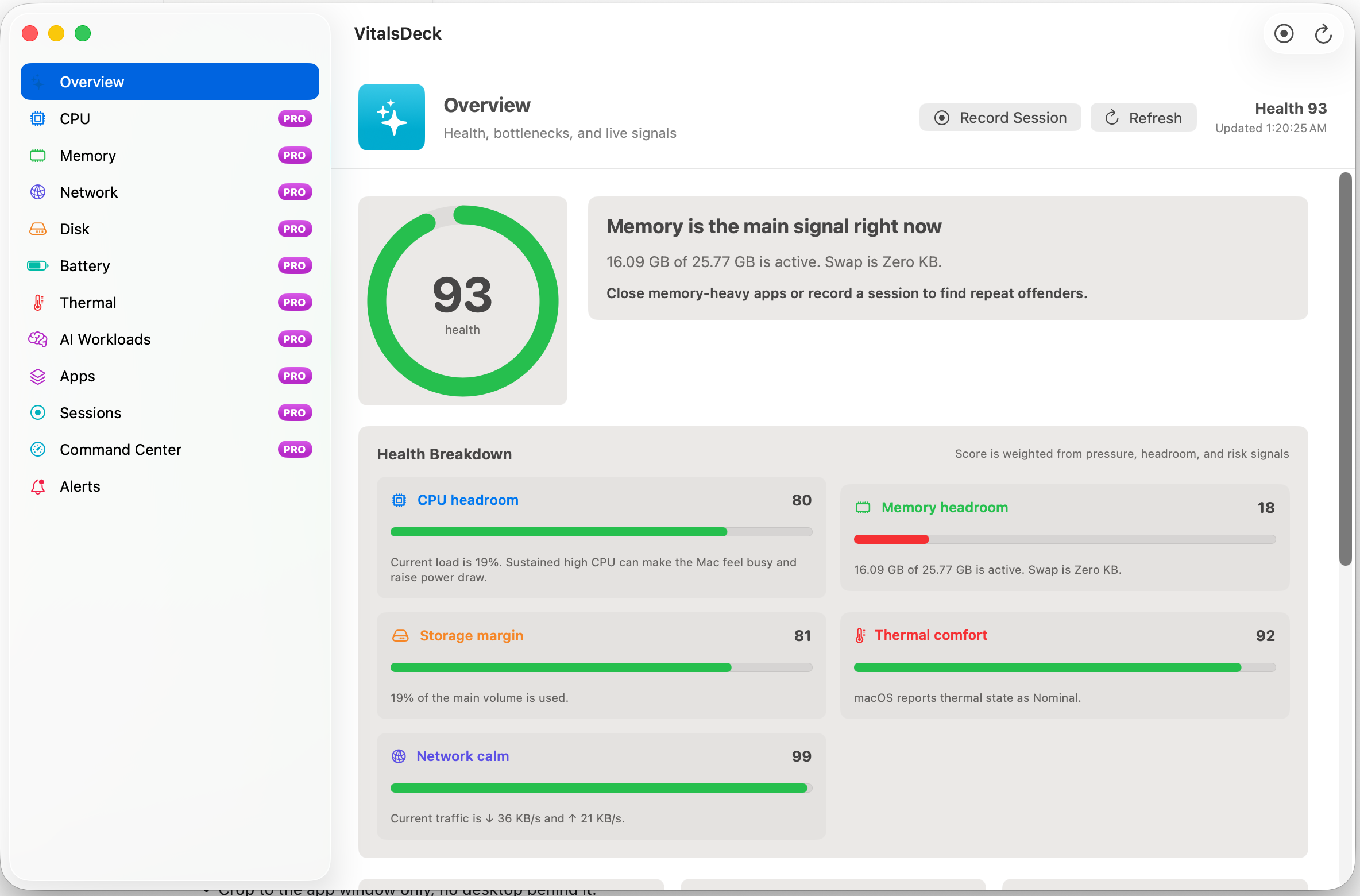
Why local AI needs separate monitoring
Local AI workloads behave differently from normal desktop apps. A single model can consume a large share of memory, wake performance cores, increase thermal pressure, and trigger swap. If the Mac starts feeling slow during a local model run, the issue may not be “the computer is slow.” It may be that the chosen model is too large for the current headroom.
Memory headroom
Local LLMs are often limited by unified memory. Watch active memory, swap, and available headroom.
Model sizing
3B, 7B, 14B, and larger models create very different pressure profiles on the same Mac.
Thermal comfort
Long generations can sustain load and heat long after the first response starts.
What to watch while running Ollama or LM Studio
- Memory pressure before loading the model.
- Swap growth after a prompt starts generating.
- CPU/GPU activity during prompt evaluation and token generation.
- Thermal state during longer chats, coding sessions, or batch jobs.
- Top processes such as Ollama, LM Studio, Python, MLX, llama.cpp, or related helpers.
How VitalsDeck helps
VitalsDeck is designed to call out local AI pressure separately, show whether memory headroom supports the current workload, and recommend a safer model class when a larger model is likely to push the Mac into swap or sustained pressure.